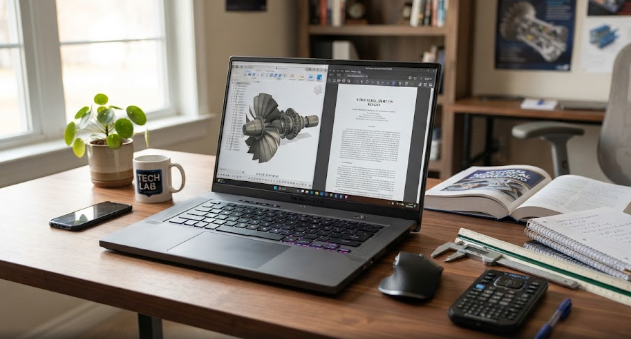
Many students and professionals wonder if a gaming laptop for work and school can replace a traditional business ultrabook. Traditionally, people view gaming rigs as loud, heavy machines built solely for entertainment. However, modern technology bridges this gap completely. Today, buying a versatile machine gives you incredible processing power for both professional tasks and intensive gaming sessions.
Why a Gaming Laptop for Work and School Delivers Raw Power
Underneath the hood, these machines pack serious hardware. Manufacturers equip them with multi-core processors, dedicated graphics cards, and ultra-fast NVMe storage drives. Consequently, these components excel at heavy workloads.
For example, civil engineers, video editors, and programmers push their systems hard with demanding applications like AutoCAD, Adobe Premiere Pro, or heavy compiling software. A standard office laptop often stutters under these loads, whereas a high-performance machine handles complex 3D rendering and video encoding smoothly without breaking a sweat.
Navigating the Aesthetic Trade-Off
Despite their incredible speed, these systems come with distinct visual differences. Manufacturers often style gaming rigs with aggressive angles, colorful RGB keyboards, and bulkier chassis designs. Therefore, walking into a corporate boardroom or a quiet university lecture hall with a flashing neon machine might feel slightly out of place.
Fortunately, many modern brands now offer “stealth” gaming models. These newer designs feature sleek, matte-black finishes that blend professionally into any workspace while retaining powerful internal components.
Understanding Battery Realities and Portability
Another crucial factor involves battery life. Because these devices power high-end graphics chips and intense processors, they consume energy very quickly. Consequently, you will likely need to carry your charger wherever you go.
While standard ultrabooks easily last a full workday on a single charge, a heavy-duty rig typically lasts only a few hours under continuous workloads. Therefore, you must always plan your workspace around available power outlets when working remotely.
Making Your Final Hardware Decision
Ultimately, choosing a gaming laptop for work and school depends entirely on your daily priorities. If you value raw computing power for engineering tasks, coding, or video production above lightweight portability, this hardware choice serves you exceptionally well. For further reading and in-depth hardware reviews, you can visit PCMag Laptop Guides.
References
- Tom’s Hardware. (2026). Gaming Laptops vs. Workstations: Performance and Productivity Benchmarks.
- PCWorld. (2025). Evaluating Portability and Battery Life in Modern High-Performance Laptops.